Blog
Cute Hamster Wallpapers: Minimalist AMOLED vs. Bold 3D Setups
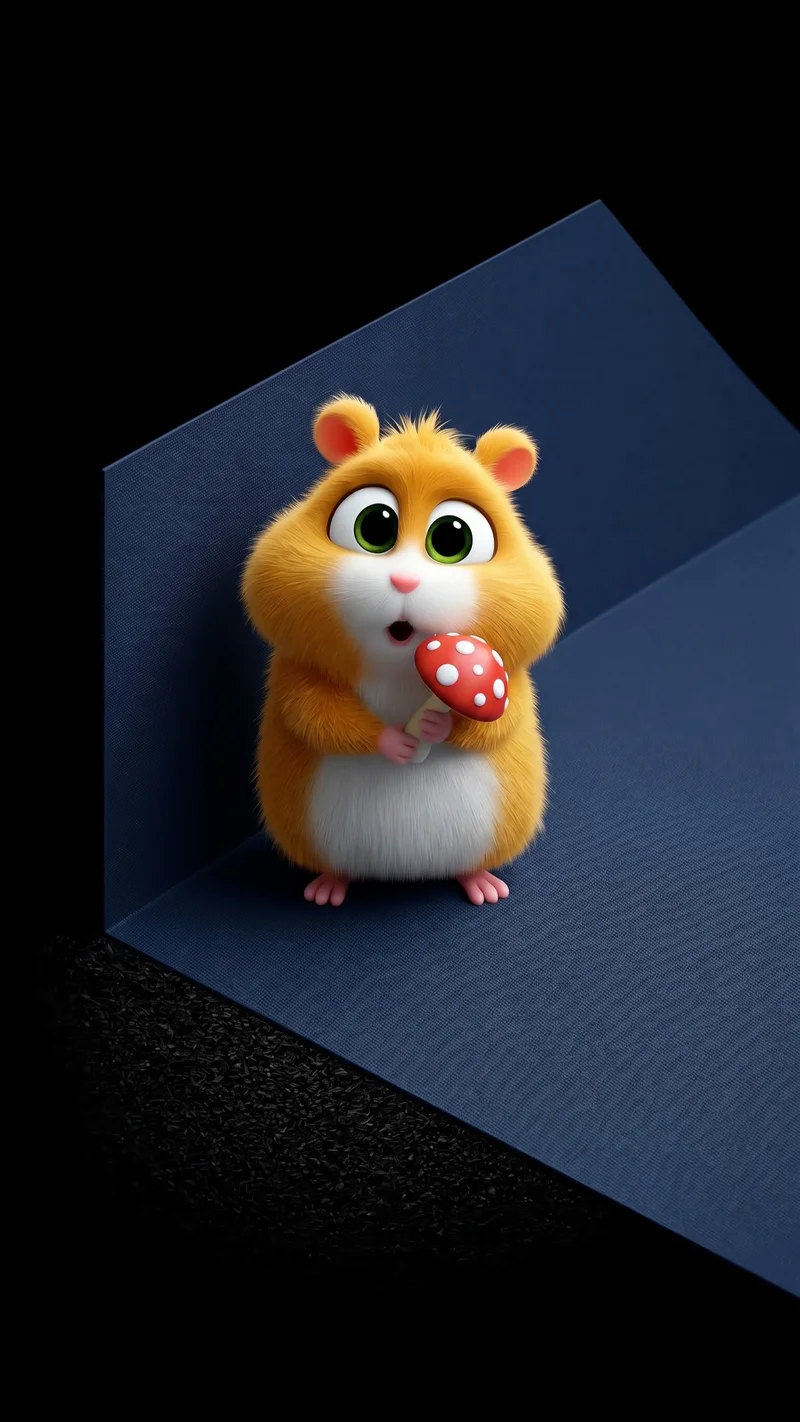
Choosing a new wallpaper is more than finding a cute image. It is about how that image interacts with your daily smartphone interface. If a background is too busy, your app icons get lost. If it is too plain, your phone feels sterile. Today, we are putting four fresh 3D hamster designs by digital artist @theanuai to the test. We will analyze how they perform under real-world conditions, focusing on lock screen legibility, battery drain, and widget compatibility.
The Battle of Screen Real Estate: Clean AMOLED vs. Rich Textures
When setting up your home screen, you have to choose between distraction-free focus and high-energy visual expression.
AMOLED-friendly designs use true black backgrounds to turn off pixels entirely. This reduces power consumption on OLED screens and makes your white clock widgets incredibly sharp. On the other hand, rich 3D backgrounds introduce depth, vibrant colors, and geometric structures that turn your phone into a design piece. Finding the right balance depends on how you organize your apps and when you use your phone most.
The Low-Light Champions: Ultra-Minimalist AMOLED Picks
These designs are built for night eye comfort and maximum battery efficiency. They keep the detail centered, leaving the rest of the screen clean.
Playful Cartoon Hamster in Black Hoodie AMOLED Wallpaper

Playful Cartoon Hamster in Black Hoodie AMOLED Wallpaper
This design by @theanuai is a masterclass in functional contrast. By placing a winking hamster in a dark hoodie against a pure black canvas, this wallpaper ensures your clock widget remains perfectly readable. The black pixels turn off entirely on OLED and AMOLED screens, reducing battery consumption significantly. Your app icons have plenty of breathing room on the bottom half of the display. It is an ideal pick for a clean, distraction-free home screen layout.